
How to Improve Website Conversion Rate for Equipment Stores
To actually improve your website's conversion rate, you have to start by building a solid foundation. That means getting your analytics in order so you can track what your users are really doing and pinpoint exactly where they're dropping out of your sales funnel.
This is about moving beyond guesswork and digging into the data to diagnose what’s broken. Once you understand why people are leaving, you can build a smart, data-driven plan to fix it.
Setting the Stage for Higher Conversions
Before you even think about redesigning a product page or split-testing a "Buy Now" button, you need a crystal-clear picture of what's happening on your website. Guessing is the fastest way to waste time and money in conversion rate optimization (CRO). The real work starts with data.
We need to understand how users move through your site, where they get stuck, and ultimately, why they aren't converting. For a restaurant equipment store, this is non-negotiable. Your customers are making high-stakes, research-heavy purchases.
A chef shopping for a commercial convection oven behaves completely differently than someone buying a pair of sneakers. Their journey involves scrutinizing technical specs, worrying about shipping logistics for a 500-pound piece of equipment, and often needing a formal quote. Your analytics have to be set up to capture these unique B2B behaviors.
Start With a Conversion Funnel Audit
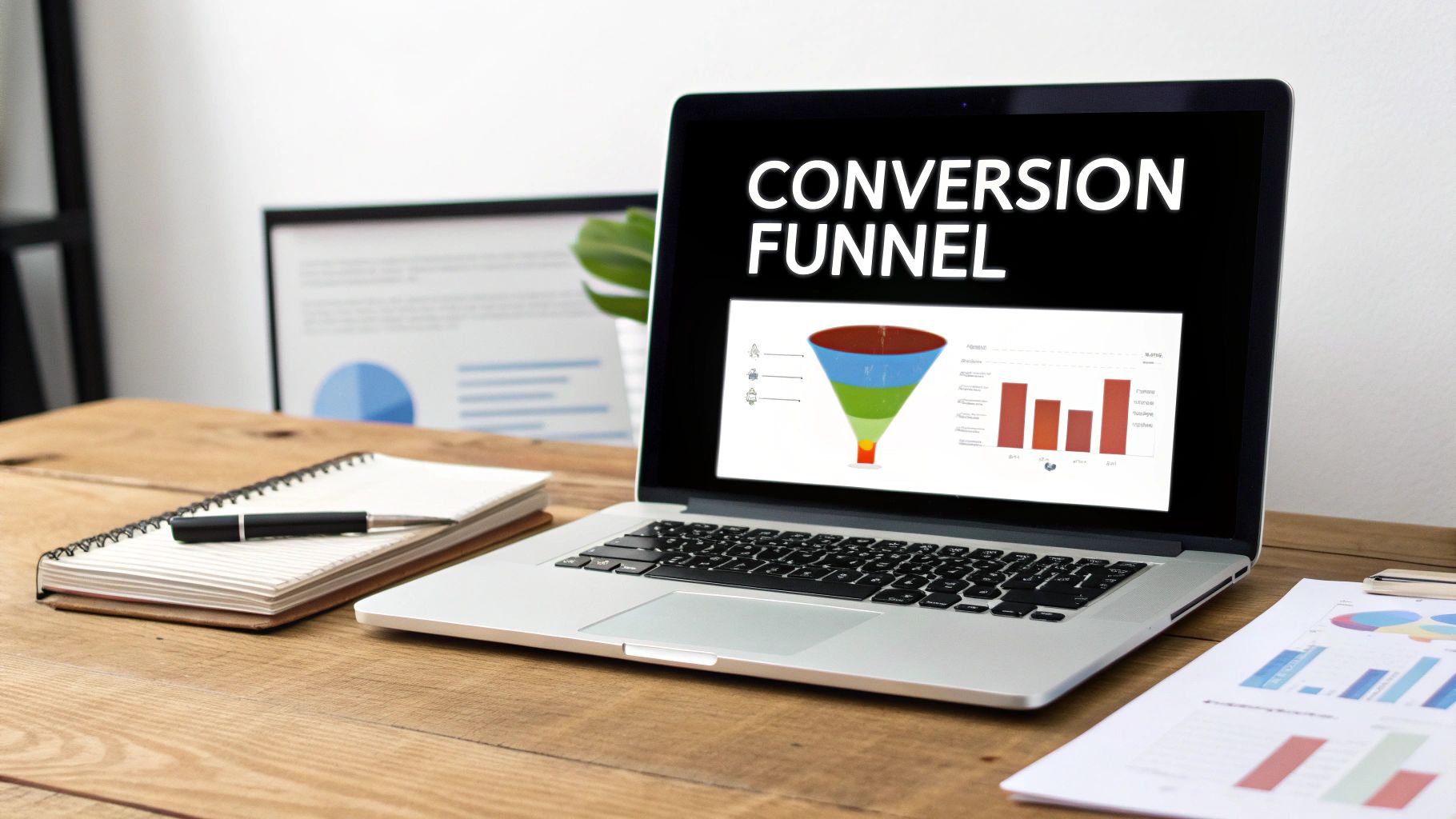
The first real step is to map out and audit your entire conversion funnel. This isn't just about seeing who lands on your homepage and who eventually buys. It's about dissecting every single micro-step along the way to find the "leaks" where potential customers are slipping through the cracks.
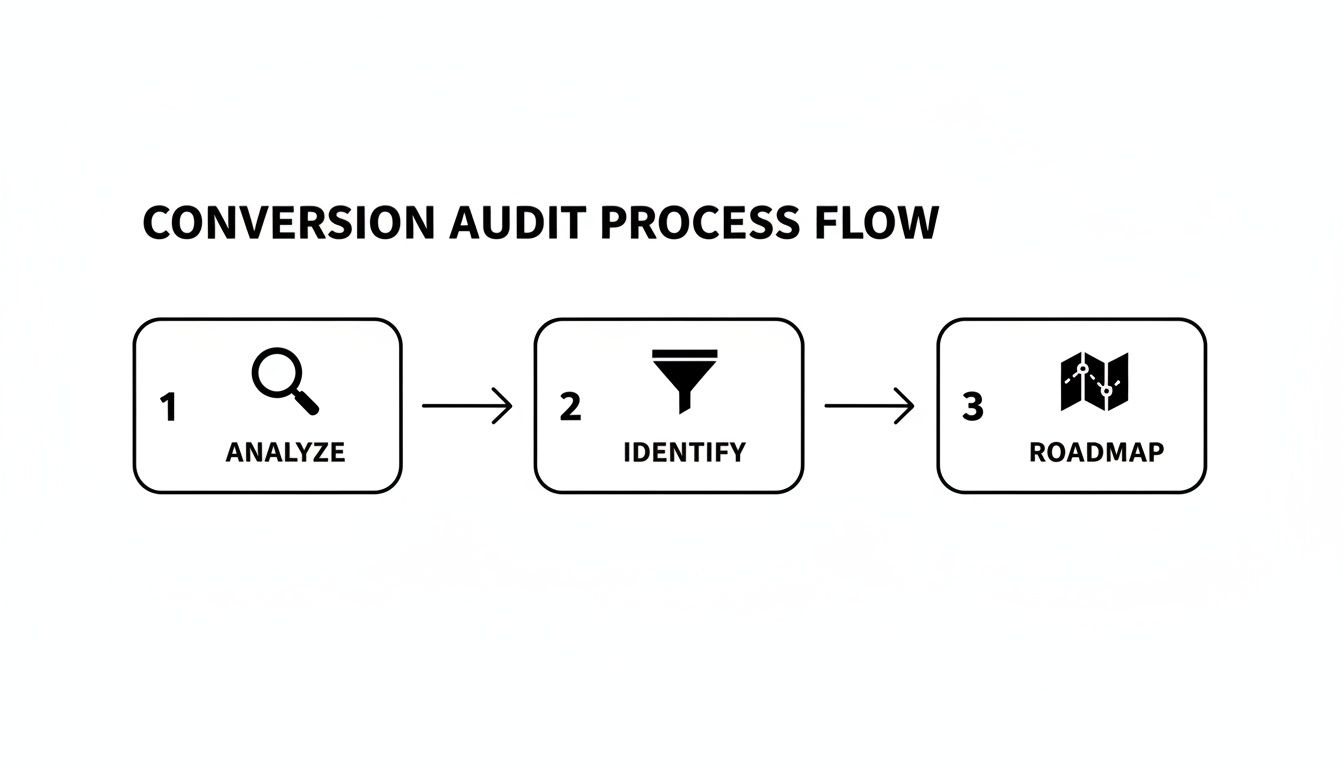
Your audit should be focused on answering some very specific questions:
- How are they arriving? Are they coming from an organic search for a specific product, or are they clicking a paid ad that leads to a category page?
- What's the typical path to purchase? Do most of your successful buyers use the search bar? Do they navigate through category menus? Or do they click on "featured products"?
- Where are the biggest drop-offs? A high exit rate on a category page could mean your filtering options are terrible. A huge drop-off during checkout often points to surprise shipping costs or a painfully long form.
This process turns a spreadsheet of traffic data into a story about your user's experience. It’s absolutely foundational. To go even deeper, check out our complete guide on how to perform a website audit, which covers the technical and strategic sides in more detail.
Look Past the Vanity Metrics
It’s tempting to get excited about big numbers like total traffic or page views. While they give you a general sense of activity, they don't tell you anything about the health of your conversions.
You need to laser-focus on the metrics that directly link to user intent and your bottom line.
To get started, here are the core metrics you should be tracking to diagnose issues and measure success.
Key CRO Metrics for Restaurant Equipment Stores
| Metric | What It Tells You | Industry Benchmark/Goal |
|---|---|---|
| Add-to-Cart Rate | The percentage of visitors who add at least one item to their cart. Shows if product pages are persuasive. | Aim for 5-10%. Below 5% may indicate issues with pricing, product info, or trust. |
| Quote Request Rate | Percentage of visitors who submit a "Request a Quote" form. Crucial for high-ticket or custom items. | Highly variable, but track this closely. A low rate could signal a confusing form or unclear value proposition. |
| Checkout Abandonment Rate | The percentage of users who add items to their cart but don’t complete the purchase. | Average is around 70%. Anything significantly higher points to issues with shipping costs, account creation, or payment options. |
| Conversion Rate (by traffic source) | The overall conversion rate segmented by channel (e.g., Organic, Paid, Direct). | Reveals which marketing channels bring in buyers vs. browsers. Helps allocate your budget effectively. |
| Average Order Value (AOV) | The average dollar amount spent each time a customer places an order. | A key profitability metric. CRO efforts should aim to increase this through upselling and cross-selling. |
Tracking these numbers gives you a real-time dashboard on the health of your sales funnel, telling you exactly where to focus your optimization efforts.
The world of restaurant equipment is competitive. Data from the broader food service industry shows kitchen appliances average a 2.97% conversion rate, while some high-performing e-commerce food niches can hit 6.17%. This just shows what’s possible with a targeted approach. For example, by optimizing its user journey, Prorestaurantequipment.com was able to achieve a 2.00-2.50% conversion rate—a solid number that drives significant revenue from a smaller number of high-value transactions.
The real goal of a conversion audit isn't just to find problems, but to understand the why behind them. A high bounce rate is a symptom; confusing navigation or a slow-loading page is the disease. Data is what helps you make the right diagnosis.
Turning Product Pages Into Sales Machines
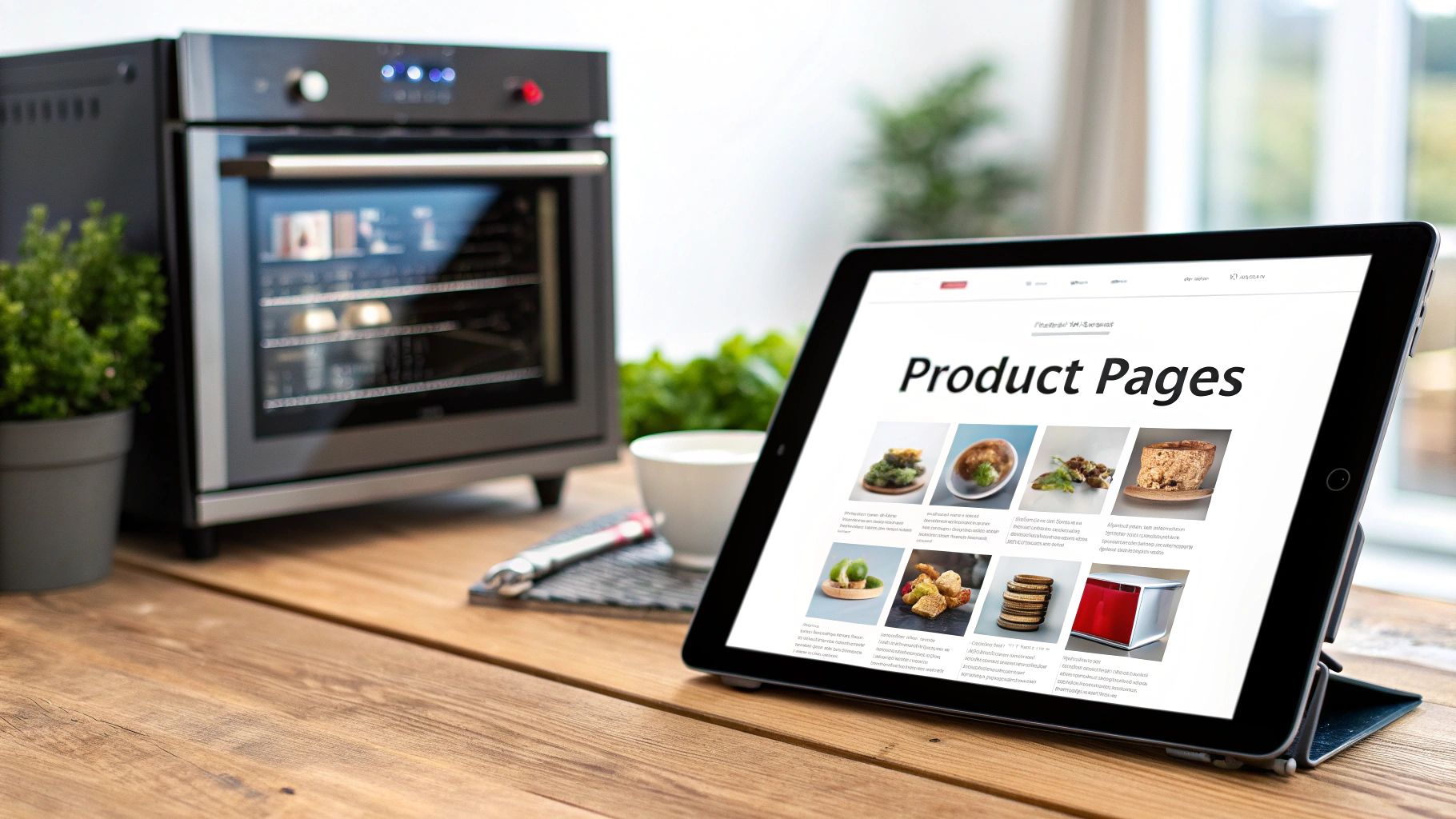
Your product pages are the digital showroom. This is where a busy chef or a restaurant owner decides if your equipment is the right investment for their kitchen. When we're talking about high-ticket, complex items like a commercial convection oven or a walk-in freezer, this page has to do some heavy lifting. It needs to do a lot more than just list features; it has to build confidence, answer the tough questions, and make a rock-solid case for the sale.
This is where window shoppers become buyers. Every single element matters.
A common trap I see equipment stores fall into is just copying and pasting the manufacturer's spec sheet. Sure, the specs are important, but they don't sell. A spec sheet doesn't tell a chef how an oven's rapid pre-heat feature will get plates out faster during a chaotic dinner rush. It doesn't explain how an energy-efficient design will actually lower their monthly utility bill. This is a massive missed opportunity to connect with the real problems your customers are trying to solve.
Write Descriptions That Solve Real-World Problems
Stop leading with technical jargon. Instead, frame every product description around the benefits and outcomes for the user. Your job is to translate those complex features into tangible business advantages for a restaurant owner.
Think about the shift from features to benefits like this:
- Feature: Stainless steel construction.
- Benefit: Built tough to handle the heat and constant scrubbing of a commercial kitchen, meaning it will last longer and protect your investment.
- Feature: 150,000 BTU output.
- Benefit: Pumps out powerful, steady heat to cook food faster and more evenly, which helps cut down ticket times and keeps food quality high when you're slammed.
When you take this approach, your product page transforms from a dry catalog entry into a genuinely persuasive sales tool. You're speaking directly to the buyer's core needs: making their life easier and their business more profitable.
Show, Don't Just Tell
For a piece of equipment that costs thousands of dollars, a couple of static photos just won't cut it. Buyers need to be able to picture the product in their kitchen and understand exactly how it works. It's no surprise that over 60% of consumers need to see at least three or four images before they even consider making a purchase.
Here's how you build that visual confidence:
- High-Resolution, Multi-Angle Photos: Get shots from every conceivable angle. Include close-ups of the control panel, the interior, and all the connection points on the back.
- In-Context Images: Show the equipment in a realistic kitchen setting. This gives a much better sense of its actual size and footprint.
- Short Video Demos: A quick 30-60 second video showing the unit in action can be a game-changer. Demonstrate a key feature, show how easy it is to clean, or walk through a typical operational workflow.
These visual elements aren't just for show; they are critical for building trust, answering unasked questions, and easing the anxiety that comes with a major purchase. This is a perfect example of what great user experience optimization looks like in the real world.
Make the Next Step Obvious and Easy
Okay, the final piece of the puzzle is guiding your visitor to the next step with absolute clarity. That call-to-action (CTA) button is the most important button on the page, and how it looks and what it says can make or break the sale.
With restaurant equipment, you typically have two main goals: getting a direct sale or generating a lead for a quote. Your CTAs need to reflect that.
- For standard items: Use a big, bold, high-contrast "Add to Cart" button. No messing around.
- For complex or custom items: Feature a clear "Request a Quote" or "Talk to a Specialist" button right upfront.
Always display pricing transparently when you can. If you offer financing, show it right next to the price—it makes those big-ticket items feel much more manageable. Hidden costs are one of the biggest conversion killers, so be upfront about shipping estimates or any necessary accessories.
A quick pro-tip: Don’t forget about your category pages. They’re the gateways to your products. Make sure you have smart, easy-to-use filters for essentials like brand, capacity, voltage, and dimensions. A busy restaurant owner has zero time to browse aimlessly; they need to find the exact machine they're looking for in seconds. Well-designed filters are a simple but powerful way to reduce friction and improve your conversion rate right from the start.
Building Trust and Credibility with Every Click
Buying a $10,000 commercial range is a world away from buying a t-shirt. For a restaurant owner, it’s a major capital investment, and your website has to inspire total confidence before they’ll even think about clicking "Add to Cart." In this high-stakes B2B world, trust isn't a nice-to-have; it's the very foundation of every sale.
Every single element on your site is either building that trust or tearing it down. This is where you have to go beyond just listing products and prove you’re a reliable partner for their business. Generic testimonials just won't cut it here—your audience needs to see real proof from their own world.
Go Beyond Basic Social Proof
Look, standard text testimonials are a decent start, but they’ve become so common they’re practically invisible. To actually make an impact and build deep credibility, you need to show off authentic, industry-specific social proof that speaks directly to a chef or restaurateur.
Think about what really matters to your buyers:
- Video Reviews from Local Chefs: A short video of a respected local chef talking about your equipment is worth a thousand written reviews. It’s real, it's relatable, and it’s a powerful third-party endorsement.
- Detailed Case Studies: Don't just say you did a great job—prove it. Showcase a full kitchen installation you completed, complete with before-and-after photos, a list of the equipment, and a quote from the owner on how it improved their workflow.
- Logos of Well-Known Clients: If you've sold to recognizable restaurant groups, hotels, or universities, get their logos on your homepage. It’s an immediate and powerful signal that you’re a serious player.
Your goal is to show, not just tell. Let potential customers see themselves in your past successes. When they see you've solved problems for businesses just like theirs, their confidence in you skyrockets.
Strategically Deploy Trust Signals
Trust signals are those little visual cues and snippets of information that reassure a buyer they’re making a smart, safe choice. For restaurant equipment, these signals have to address very specific industry concerns around quality, safety compliance, and what happens after the sale.
By placing these strategically across your site—especially on product pages and during checkout—you can head off buyer anxiety before it even starts. You're proactively answering their unspoken questions.
To effectively reassure buyers, you need a variety of trust signals. Below is a breakdown of the most crucial types for an equipment supplier.
Essential Trust Signals for Equipment Suppliers
| Trust Signal Type | Example | Why It Works |
|---|---|---|
| Industry Certifications | Badges for NSF, ETL, UL | These are non-negotiable for commercial kitchens. They prove your equipment meets mandatory health and safety standards. |
| Manufacturer Warranties | "Includes 2-Year Parts & Labor Warranty" | A solid warranty provides crucial peace of mind and justifies a high-ticket purchase. It shows the product is built to last. |
| Clear Return Policies | An easy-to-find page detailing returns | Hiding your policy feels shady. A clear, fair policy reduces the perceived risk and shows you stand behind what you sell. |
| Secure Checkout Badges | Logos for SSL, Norton, McAfee | These are table stakes for e-commerce. They reassure customers their payment information is safe and encrypted. |
Integrating these signals isn't just about ticking boxes; it's about building a fortress of credibility around your brand that makes a high-value purchase feel like a secure and logical next step for your customers.
Humanize Your Brand
At the end of the day, people buy from people, not faceless websites. A professional, personable 'About Us' page is one of the most underrated conversion tools you have. This is your shot to tell your story, introduce the real people behind the business, and connect with customers on a human level.
Share why you started the company. Introduce your team of equipment specialists with photos and short bios. This one simple step can transform your site from a generic online catalog into a trusted business run by passionate experts.
When a customer feels like they know who they're buying from, they're far more likely to trust you with their business. And that trust has a real impact on the bottom line. For example, some businesses have seen a 390% surge in organic traffic just by creating engaging content that genuinely connects with their audience. You can learn more about these powerful content findings and see how telling a compelling story can drive serious growth.
Designing a Frictionless Checkout and Quote Process
You've done the hard work. A customer found the perfect commercial ice machine, added it to their cart, and is ready to buy. This is a huge win, but it’s also the most fragile moment in the entire sales journey.
It's a scary thought, but the average cart abandonment rate is a staggering 70%. For big-ticket items like restaurant equipment, any little bit of friction—a confusing form, a surprise shipping fee—can make a qualified buyer disappear in a single click.
Think of your checkout as the final handshake, not just a transaction form. Forcing someone to create an account just to buy a 400-pound fryer or hiding shipping costs until the last second are rookie mistakes that cost you sales. Let’s smooth this process out.
Simplify the Path to Purchase
Your goal here is to eliminate every single unnecessary click and question. Every extra field you ask them to fill out is another chance for them to get distracted or frustrated and simply leave.
I've found that breaking the checkout into a few logical steps works wonders. Instead of one long, intimidating page, guide them through simple stages like "Shipping," "Payment," and "Review." A progress bar at the top is a fantastic visual cue that shows them the finish line is close, which keeps the momentum going.
Here are a few non-negotiables:
- Always Offer Guest Checkout. Seriously. Forcing people to create an account is a top reason they abandon carts. Make the guest option big and obvious.
- Show Costs Upfront. Nobody likes a nasty surprise. Be transparent about estimated shipping and taxes early on. That final-step sticker shock feels deceptive and sends people running.
- Include B2B Payment Options. Many restaurant owners need to pay with a purchase order or use financing. If you don't offer these, you're shutting the door on a massive chunk of your audience.
Craft an Effortless Quote Request Form
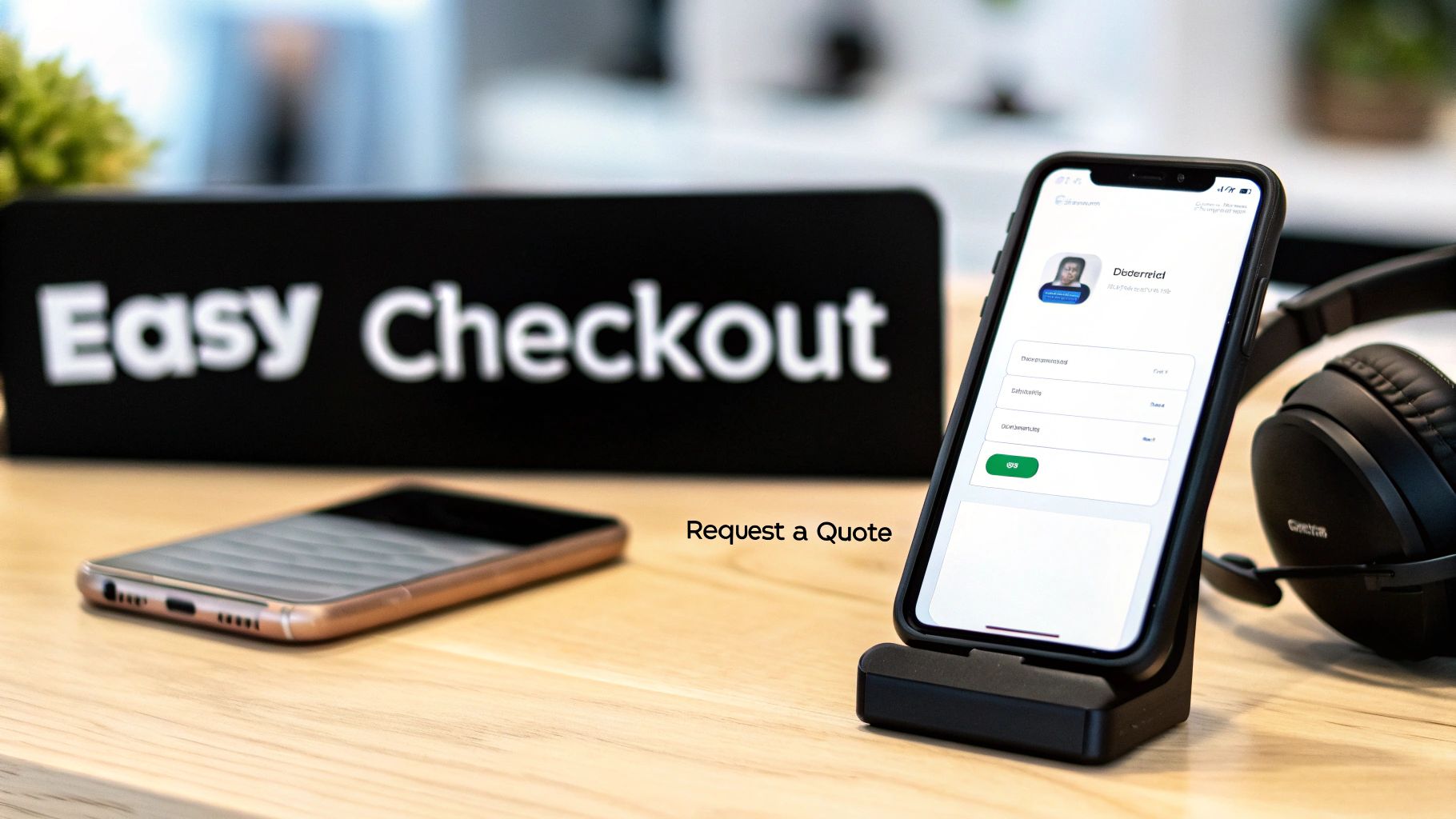
For huge custom kitchen build-outs or specialized equipment, a simple "Add to Cart" button won't cut it. Your "Request a Quote" form becomes the main event. The same rules of simplicity apply here, maybe even more so.
Keep the form lean. All you really need to get the ball rolling is a name, company, email, and phone number, plus a box where they can describe their project. Don't ask for their entire business history upfront—that feels like homework. The key is optimizing the order process to feel less like a chore and more like the start of a helpful conversation.
Pro Tip: I always recommend putting your phone number and a live chat link right on the quote form itself. If someone has a quick question, it gives them an instant way to get help instead of getting stuck and leaving your site.
Reinforce Trust When It Matters Most
This is it—the moment of truth when a customer is about to hand over their credit card information. Skepticism is at an all-time high. Now is the time to bring back all those trust signals you’ve worked to build.
Just because they trusted you on the product page doesn’t mean that confidence carries over to the payment screen. This is also where site performance really matters. A slow, buggy checkout page is a deal-breaker. If you want to dig into the technical side, understanding what Core Web Vitals are is a great place to start.
Make sure these elements are clearly visible right in the checkout flow:
- Security Badges: Logos from SSL, Norton, or McAfee instantly reassure people that their payment info is locked down and safe.
- Warranty & Return Info: A quick link to your policies can be the final nudge someone needs to get over their fear of making a big purchase online.
- Live Support Access: A chat button or a phone number shows you're right there to help if they hit a snag. It’s a huge confidence booster.
Ready for the Next Level? Applying CRO Tactics That Actually Work
Okay, you've laid the groundwork. Your product pages are solid, you've built up trust, and the checkout process is smooth. Now for the fun part: finding those small, clever wins that put you miles ahead of the competition. This is where we stop fixing obvious problems and start scientifically discovering what makes your specific audience tick.
This isn't about guesswork anymore. It’s about data-driven experiments that can take a good e-commerce site and make it a revenue-generating machine. We're going to squeeze every last drop of potential from the traffic you already have by testing, learning, and making every visitor feel like your store was built just for them.
Stop Guessing and Start Testing with A/B Tests
At the heart of advanced CRO is A/B testing, also known as split testing. The concept is simple but incredibly powerful: you create two versions of a webpage (an 'A' and a 'B'), show them to different groups of visitors, and see which one performs better. It’s the ultimate way to end internal debates and let actual user behavior guide your decisions.
Instead of arguing whether a green or orange "Request a Quote" button works best, you test it. Let the data tell you what your customers prefer. The goal is to make small, iterative improvements backed by real evidence, not just a gut feeling.
For a restaurant equipment store, the testing possibilities are endless:
- Headlines: Test "Durable Commercial Ovens" against something benefit-driven like, "Ovens That Cut Your Cook Time by 20%."
- Call-to-Action (CTA) Text: Pit "Add to Cart" against more direct options like "Buy Now" or "Get It Today."
- Page Layout: What happens if you move customer testimonials above the product description instead of burying them at the bottom?
- Imagery: Compare a sterile, white-background product shot to an in-action photo of the equipment inside a bustling commercial kitchen.
Always start with a clear hypothesis. For example: "We believe changing the CTA from 'Learn More' to 'Get Instant Quote' will increase lead form submissions because the new text is more specific and action-oriented." Just remember to test only one thing at a time. That way, you know for sure what caused the change in performance.
Make Shopping More Relevant with Personalization
Imagine walking into a store where the salesperson already knows what you're looking for. That's what personalization does for your website. It’s all about delivering the right content to the right person at just the right moment, making the shopping experience feel guided and incredibly relevant.
When you sell everything from small blenders to entire ventilation systems, this is a game-changer. You can use a visitor's browsing history to tailor what they see next.
- Smarter Product Recommendations: If someone has been clicking on pizza ovens, your site should immediately start showing them related items like dough mixers and prep tables on the homepage and in follow-up emails.
- Dynamic Content: Change your homepage banners based on the visitor. A user you've identified as being from a bakery sees specials on proofing cabinets, while a bar owner sees deals on ice machines.
- Hyper-Local Targeting: A visitor from Chicago? Show them testimonials from popular Chicago restaurants you've supplied. This builds instant local credibility that a national chain can't replicate.
This isn't about being creepy; it's about being genuinely helpful. A personalized experience shows you understand your customer's unique needs, which is one of the fastest ways to build the trust needed to make a big-ticket sale.
Use Urgency and Scarcity—The Right Way
Urgency and scarcity are powerful psychological triggers. They tap into our natural "fear of missing out" (FOMO) and push people to act now instead of "later." The key is to use them ethically and honestly. Fake timers and made-up stock counts will obliterate the trust you’ve worked so hard to build.
Here are a few genuine ways to apply these principles in the restaurant equipment world:
- Real Stock Alerts: If a popular refrigerator model truly has only 3 units left, displaying that information gives a hesitant buyer a real reason to commit.
- Legitimate Sale Timers: Running a promotion? Make it count. A banner that says, "Free shipping on all fryers ends in 48 hours" with a visible countdown timer creates a clear deadline.
- Financing Deadlines: "Apply now to lock in 0% financing before the offer expires on Friday." This is a huge incentive for a new restaurant owner.
- Supplier Price Hikes: It's a B2B reality. A simple notice like, "Heads up: Manufacturer prices are increasing on July 1st. Order now to lock in current pricing," is both honest and highly effective.
These tactics work because they speak directly to a business owner's bottom line. For a chef or manager trying to stick to a budget, saving a few hundred dollars on shipping or locking in a better price is a massive incentive to stop browsing and start buying.
Frequently Asked Questions
When you're deep in the business of selling restaurant equipment, diving into website optimization can stir up a lot of questions. We get it. Here are some of the most common ones we hear from owners and marketing managers, with straight-to-the-point answers from our experience.
What Is a Good Conversion Rate for a Restaurant Equipment Website?
Everyone wants to know the magic number, but the truth is, it's not that simple. General e-commerce benchmarks often hover around 2-3%, but the restaurant equipment world is a different beast entirely. Your "good" rate really hinges on what you sell.
A store focused on smallwares, chef knives, and countertop blenders will almost always have a higher conversion rate than a dealer specializing in custom walk-in coolers or full ventilation hoods that demand a detailed quote. For most direct-sale equipment sites, aiming for a 2.0% to 3.0% conversion rate is a solid, competitive goal.
But honestly, the best benchmark is your own progress. If you can push your conversion rate from 1% to 1.5%, that’s not just a small bump—it's a 50% increase in sales from the same traffic you were already getting. That’s a huge win.
Should I Focus on More Traffic or a Better Conversion Rate?
Ah, the classic "leaky bucket" problem. While you eventually need both, starting with conversion rate optimization (CRO) is almost always the smarter financial move. Why? Because improving your conversion rate makes every single visitor you have—and every dollar you've already spent to get them—instantly more valuable.
Pouring more ad spend into a site that doesn’t convert well is just flushing money down the drain. You're essentially paying to send more people into a store with a broken front door.
- First, fix the leaks. Get your product pages in order, make your checkout process dead simple, and pepper your site with trust signals.
- Then, turn on the firehose. Once your site is dialed in and converting visitors efficiently, that’s the time to scale up your SEO, PPC, and other traffic-driving efforts.
This two-step approach ensures your marketing budget works for you, not against you, paving the way for profitable growth.
How Long Does It Take to See Results from CRO?
The timeline really depends on what you're changing and how much traffic your site gets.
Some quick, high-impact fixes can deliver results almost overnight. For example, making your phone number a clickable link on mobile or clarifying a confusing warranty policy could lead to more calls and quote requests within days.
Bigger changes, like A/B testing a completely new product page layout, require more patience. You have to let a test run long enough to collect enough data for it to be statistically significant. This ensures the results are real and not just a random fluke. For most sites, this can take anywhere from a few weeks to a month.
Think of CRO as a continuous improvement process, not a one-and-done project. The small, methodical wins you stack up each month will compound over time, leading to major gains in your bottom line.
At Restaurant Equipment SEO, we turn website traffic into real, measurable revenue. Our strategies are built from the ground up for the foodservice industry, helping you plug the leaks in your sales funnel and build a powerful online selling machine. Let's talk about growing your business.